
StickIt!
From a Salesforce record
to a label in your hand.
Print labels directly from Salesforce to a DYMO label printer. Create label templates with record fields, text, images, barcodes, and QR codes.
Preview your label.
Then print.
Choose a record, use a label template, and preview the result. Print directly from Salesforce without re-entering the record data.
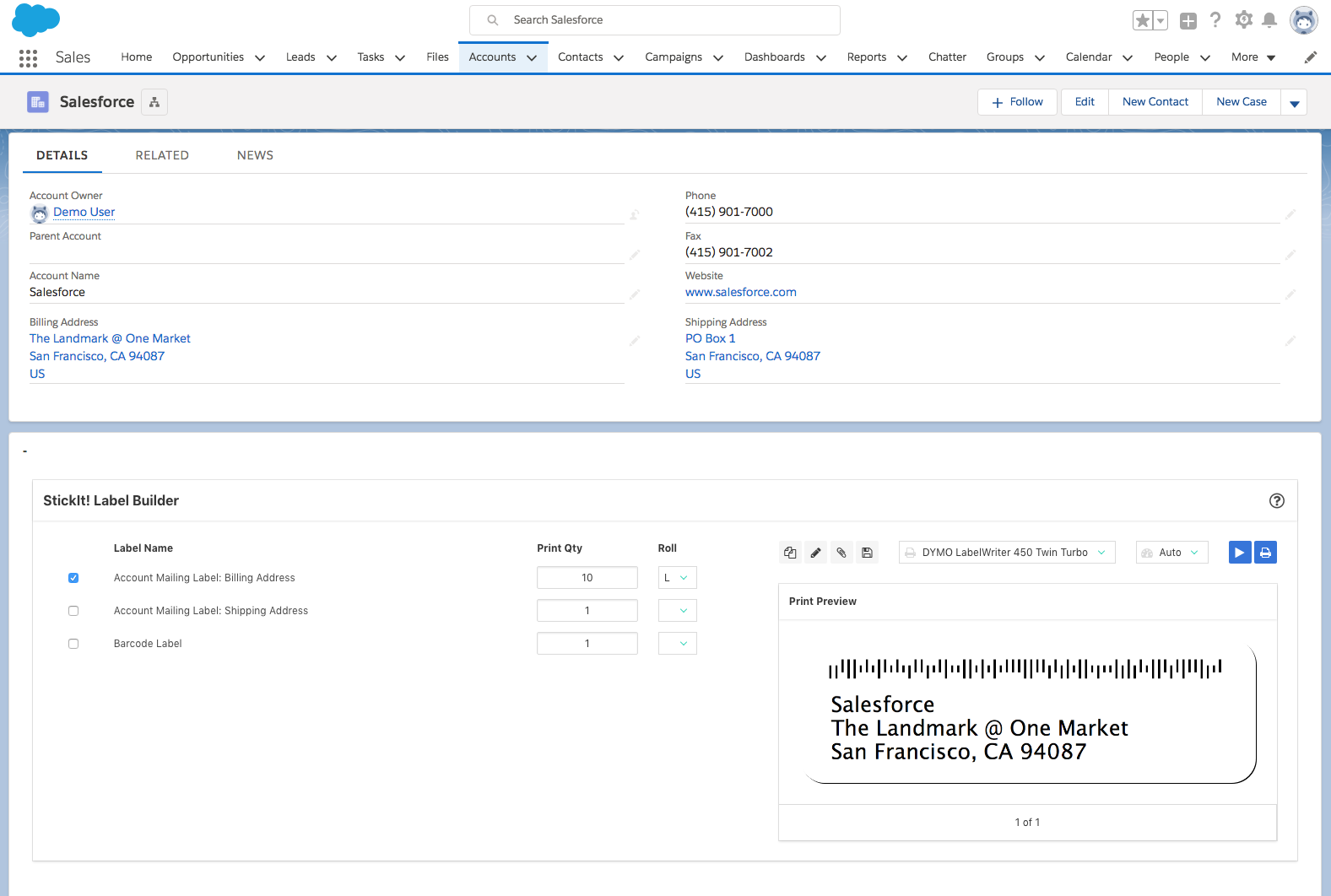
Product interface shown for reference. Appearance may vary by Salesforce configuration and version.
Create, preview, and print labels.
Use the information you already have to create the labels your team needs.
-
Make your own templates.
Design label templates with Salesforce record fields, text, images, barcodes, and QR codes.
-
Print one or many.
Work from individual records, related lists, list views, and report results, with control over print quantities.
-
Check before you print.
Preview finished labels with record data before sending them to your DYMO printer.
-
Update records as you print.
Support label printing workflows with field updates and activity history logging.
Have a question about StickIt!?
Tell us about your Salesforce setup, DYMO printer, and what you want to label, or describe an issue you need help with.